
Learn
Audition guides and step-by-step how-tos for students, families, and coaches navigating college theatre auditions.
Browse by Topic
3 categories
Using stageready
11 tutorials
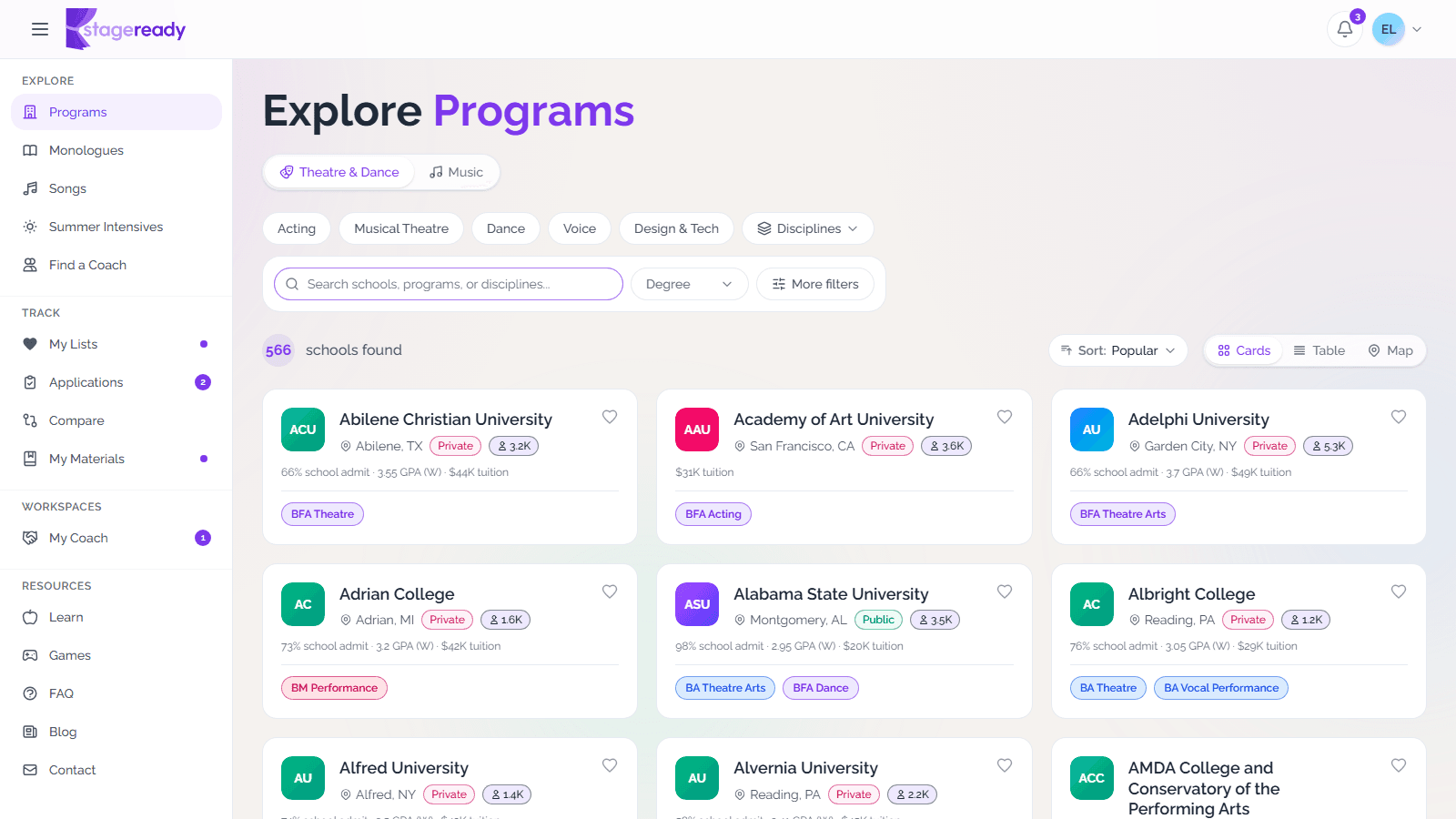
Find programs with filters
Narrow the program browser by catalog, discipline, degree, location, and audition details so your search starts with the right schools.
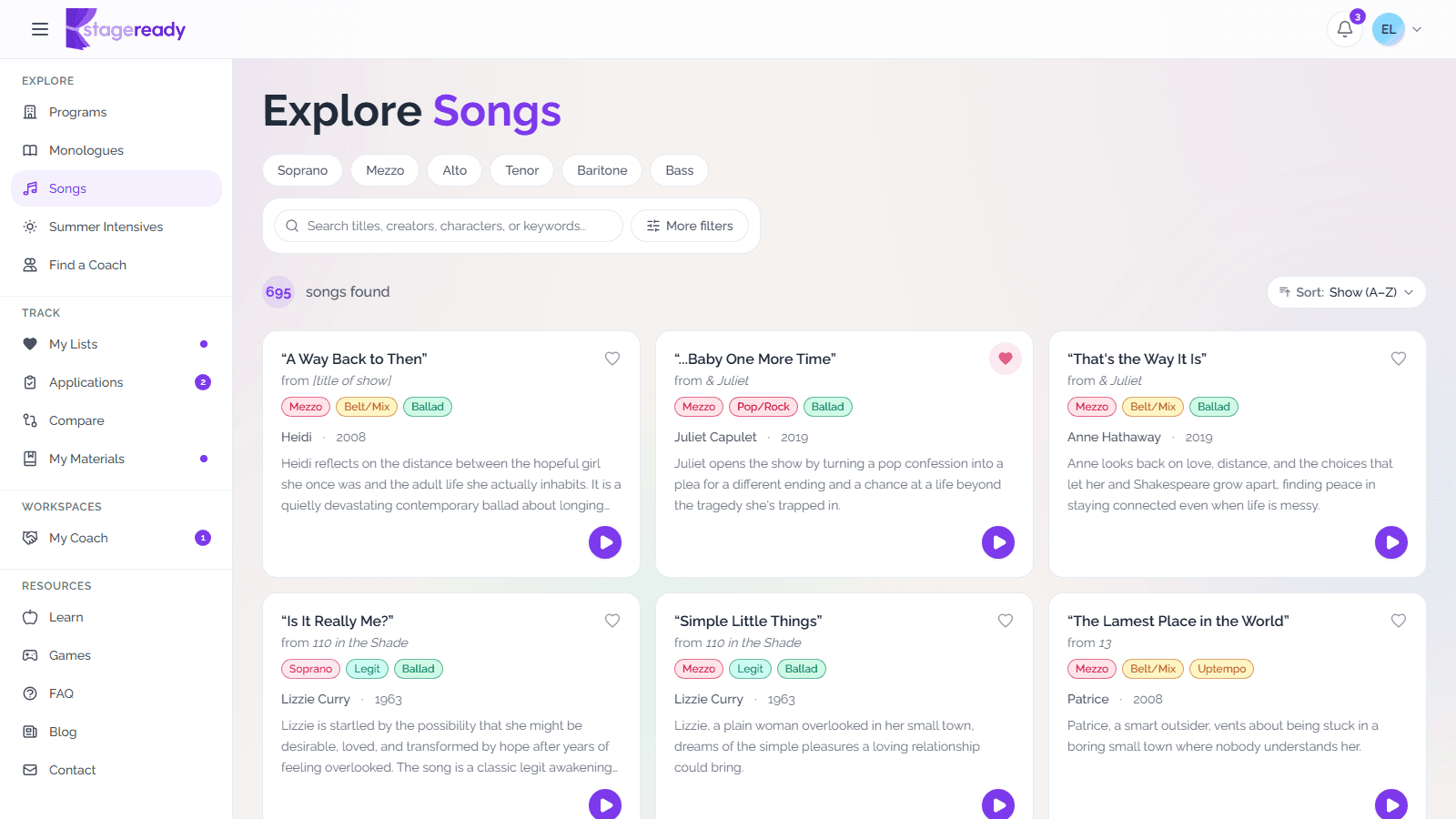
Browse songs and monologues
Search curated repertoire libraries, narrow by audition fit, preview available songs, and save discoveries to My Materials.
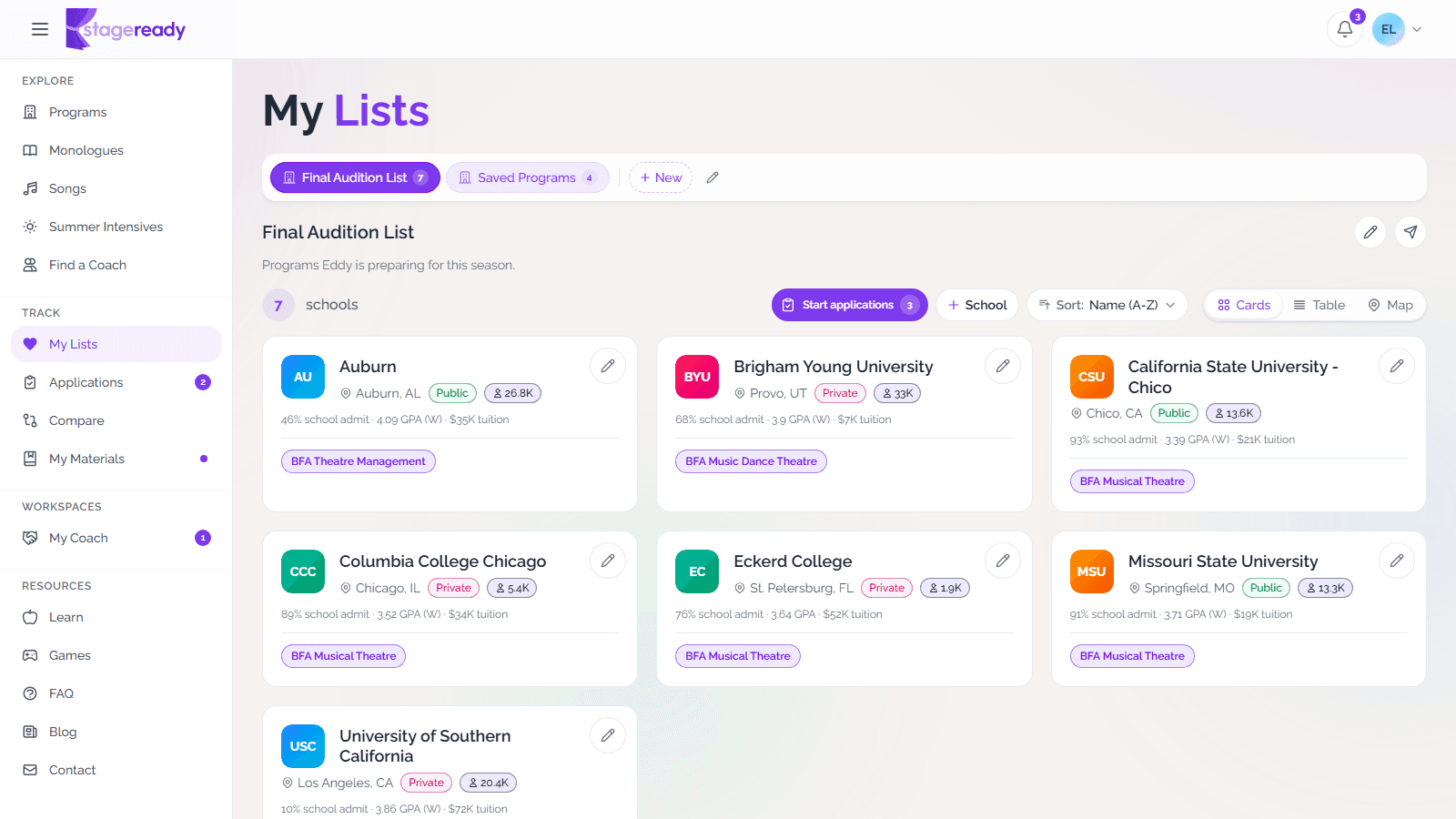
Build a saved program list
Collect the schools you want to revisit and keep a working audition list together as your research gets more serious.
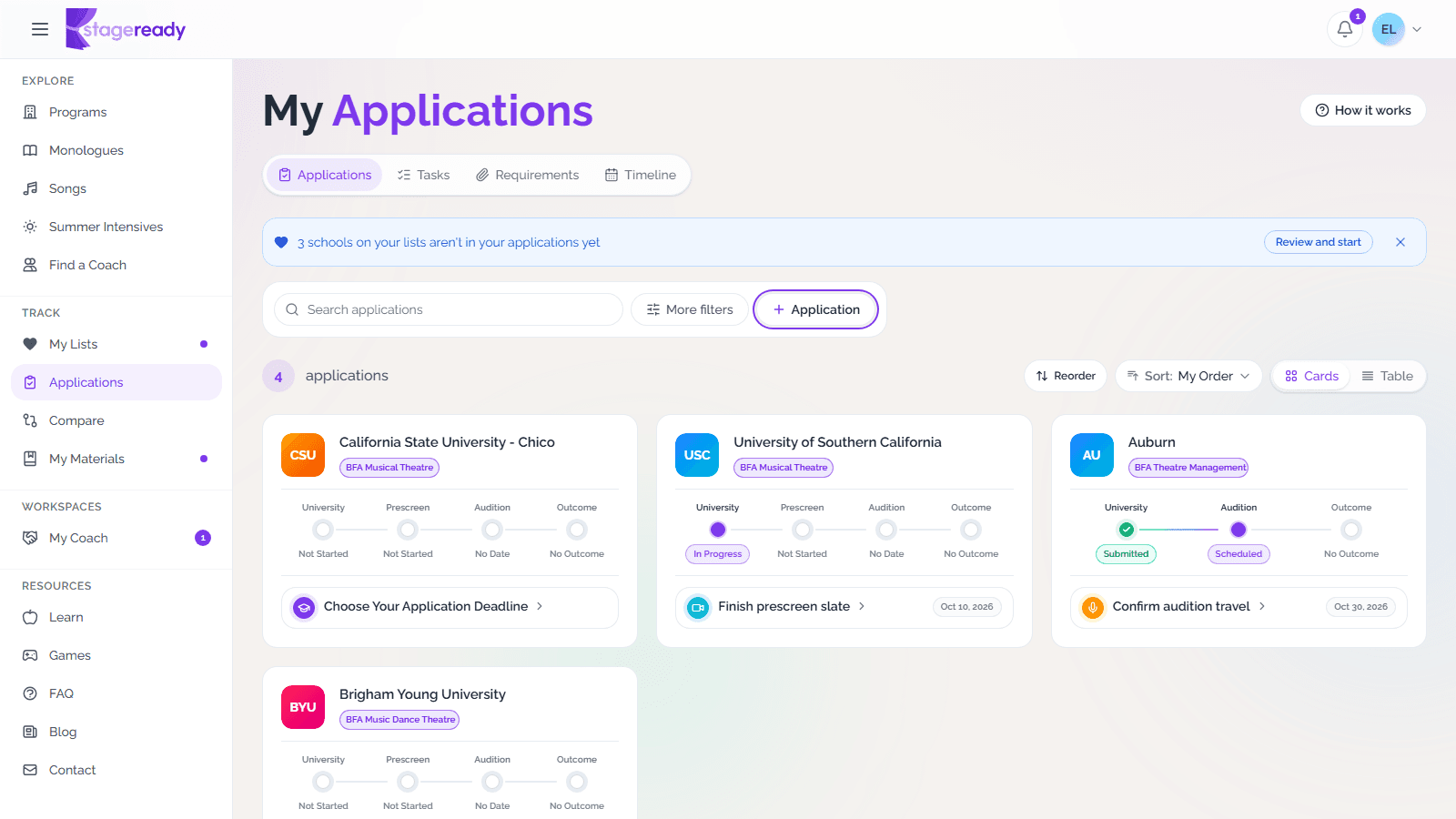
Track applications and deadlines
Add the schools you're applying to, then use Applications to follow every status, task, requirement, and date in one place.
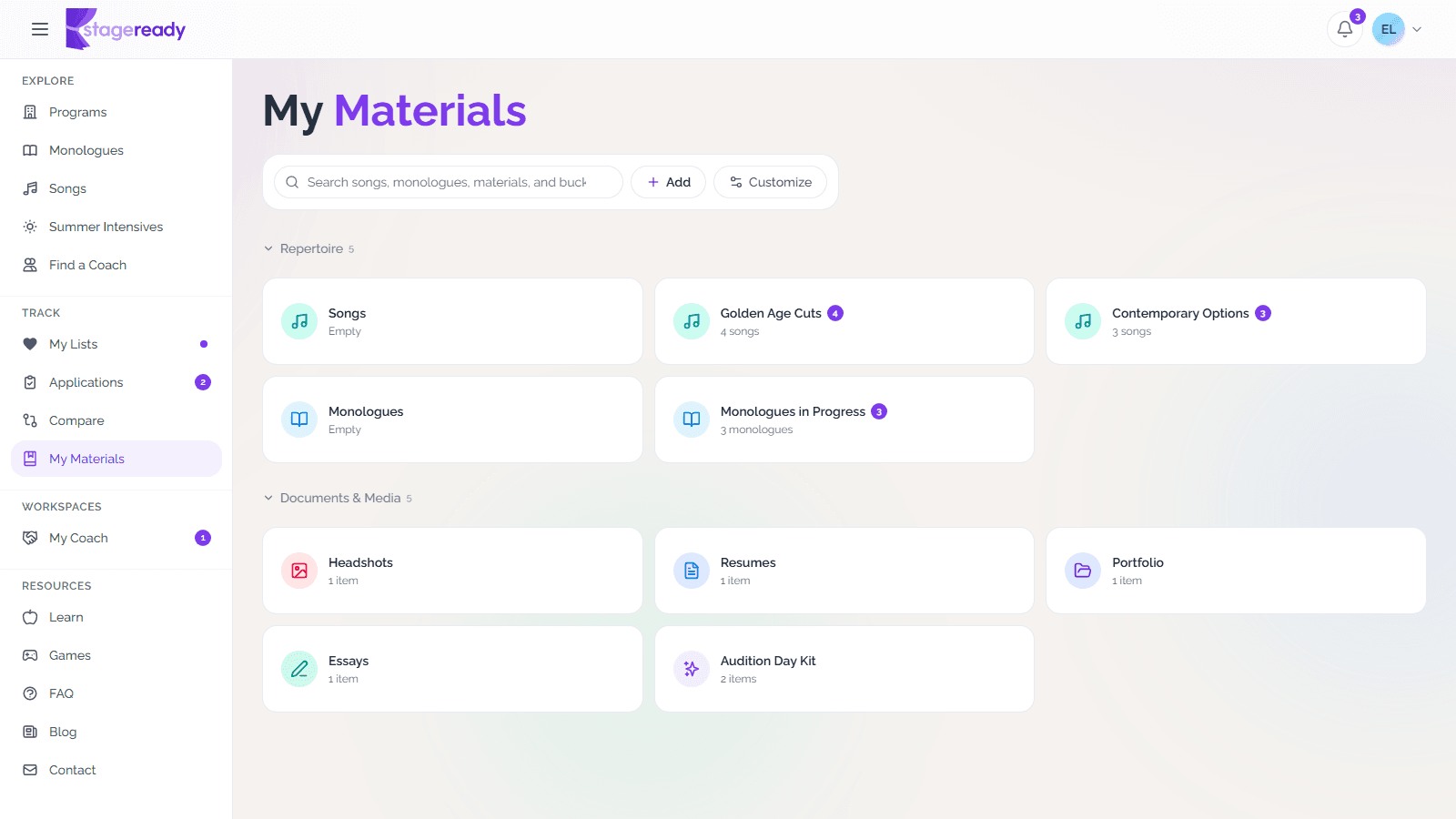
Organize My Materials
Keep repertoire, working files, and reusable audition materials organized in one place, then connect them to application requirements.
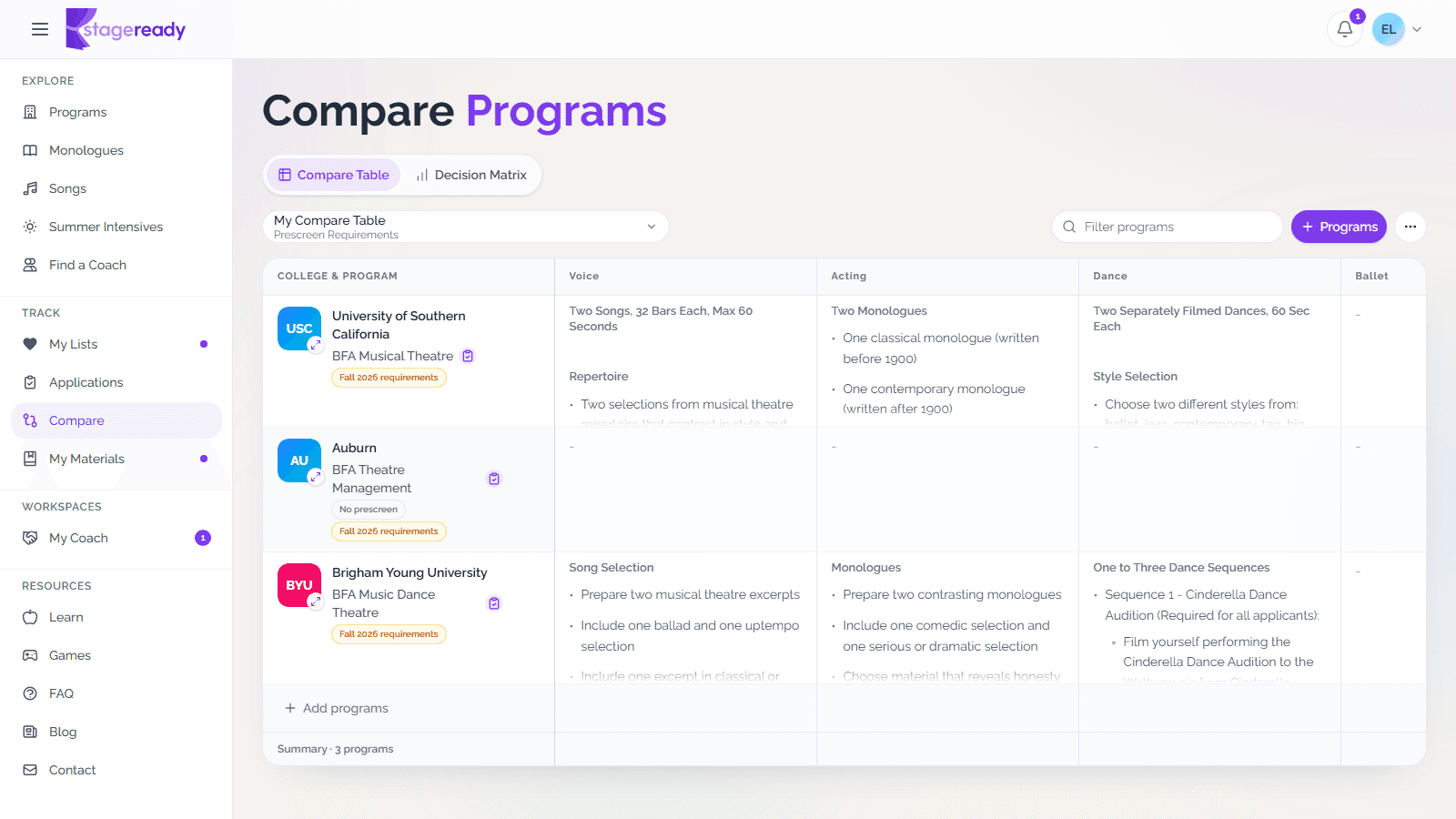
Compare prescreen requirements
Place programs side by side so monologue, song, dance, and portfolio requirements are easier to compare at a glance.
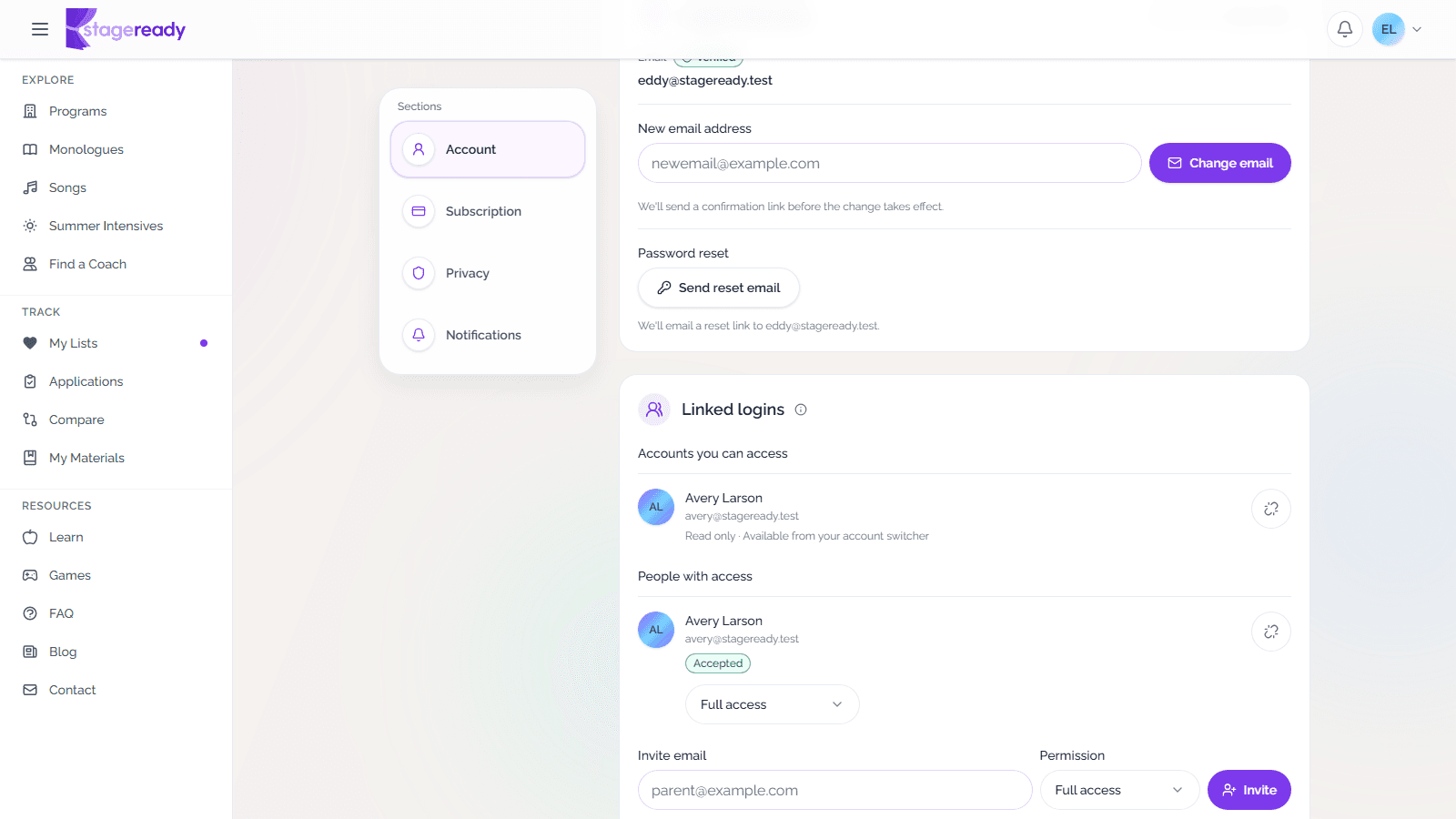
Link logins from Settings
Invite a trusted parent, coach, or helper to access the same stageready account without sharing passwords.
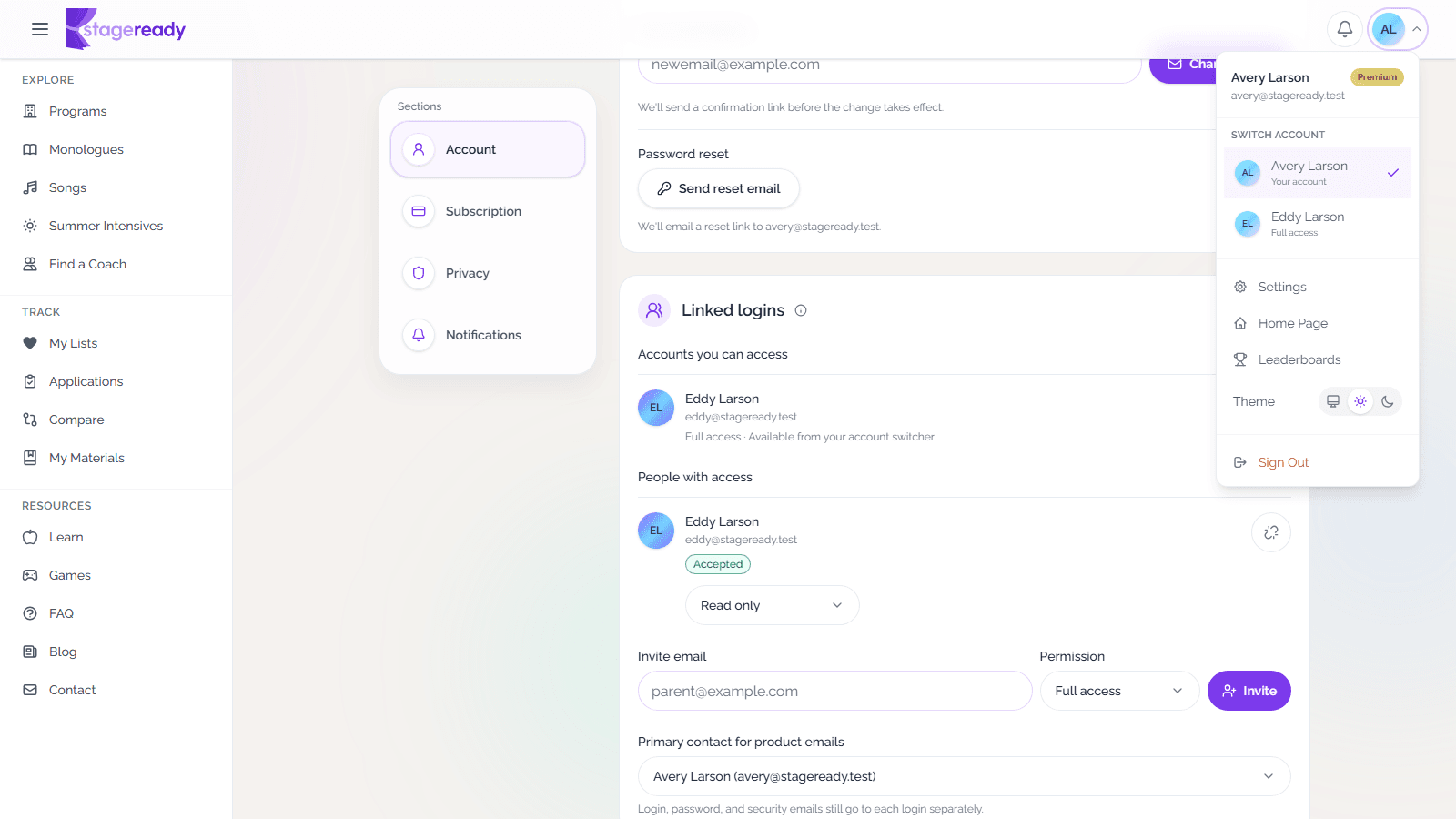
Manage shared account access
See how linked logins switch accounts, share premium access, and keep billing and email controls with the account that owns the plan.
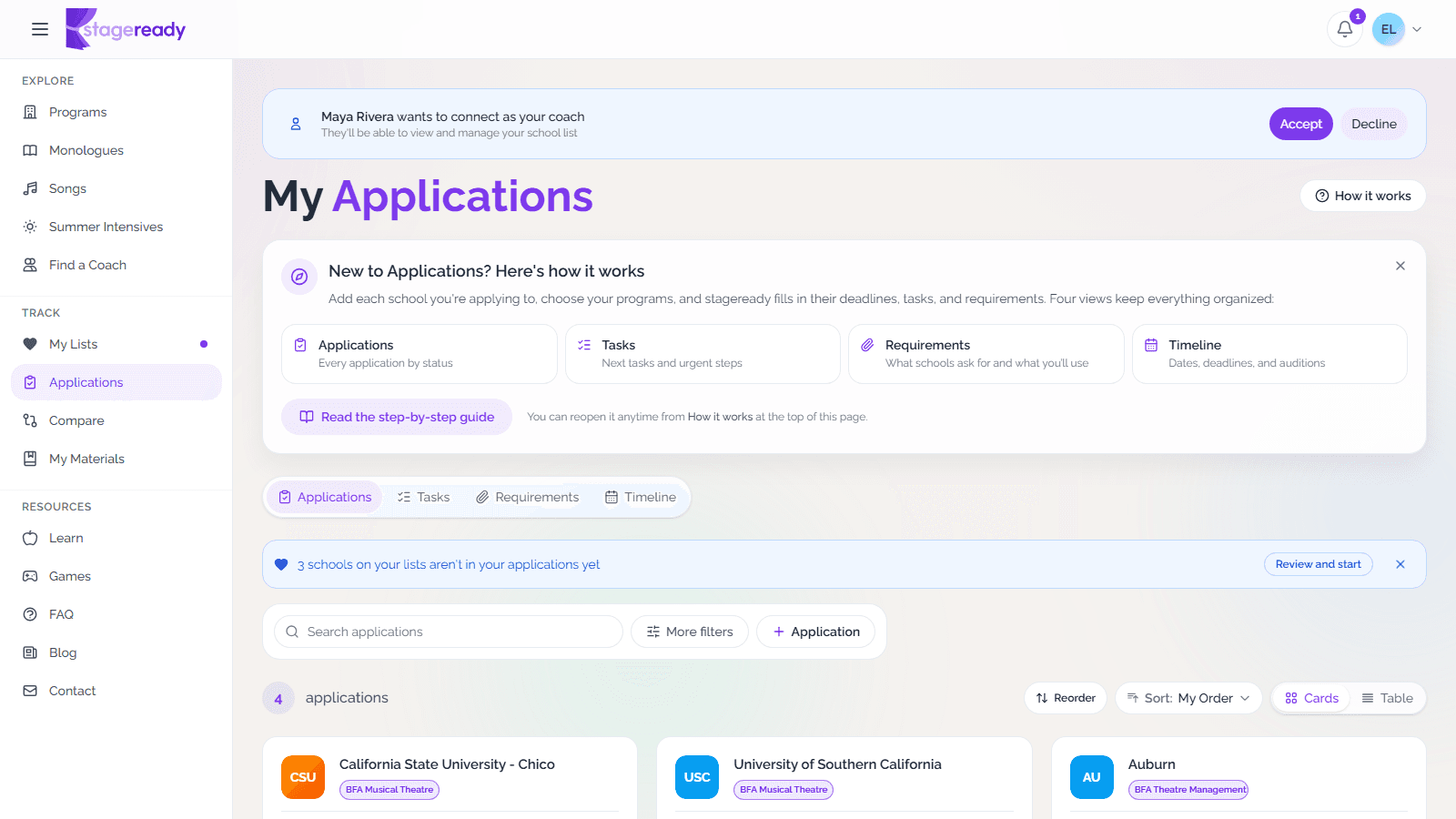
Work with your coach on stageready
Accept a coach or organization connection, then keep messages, shared lesson notes, assigned tasks, and studio resources together.
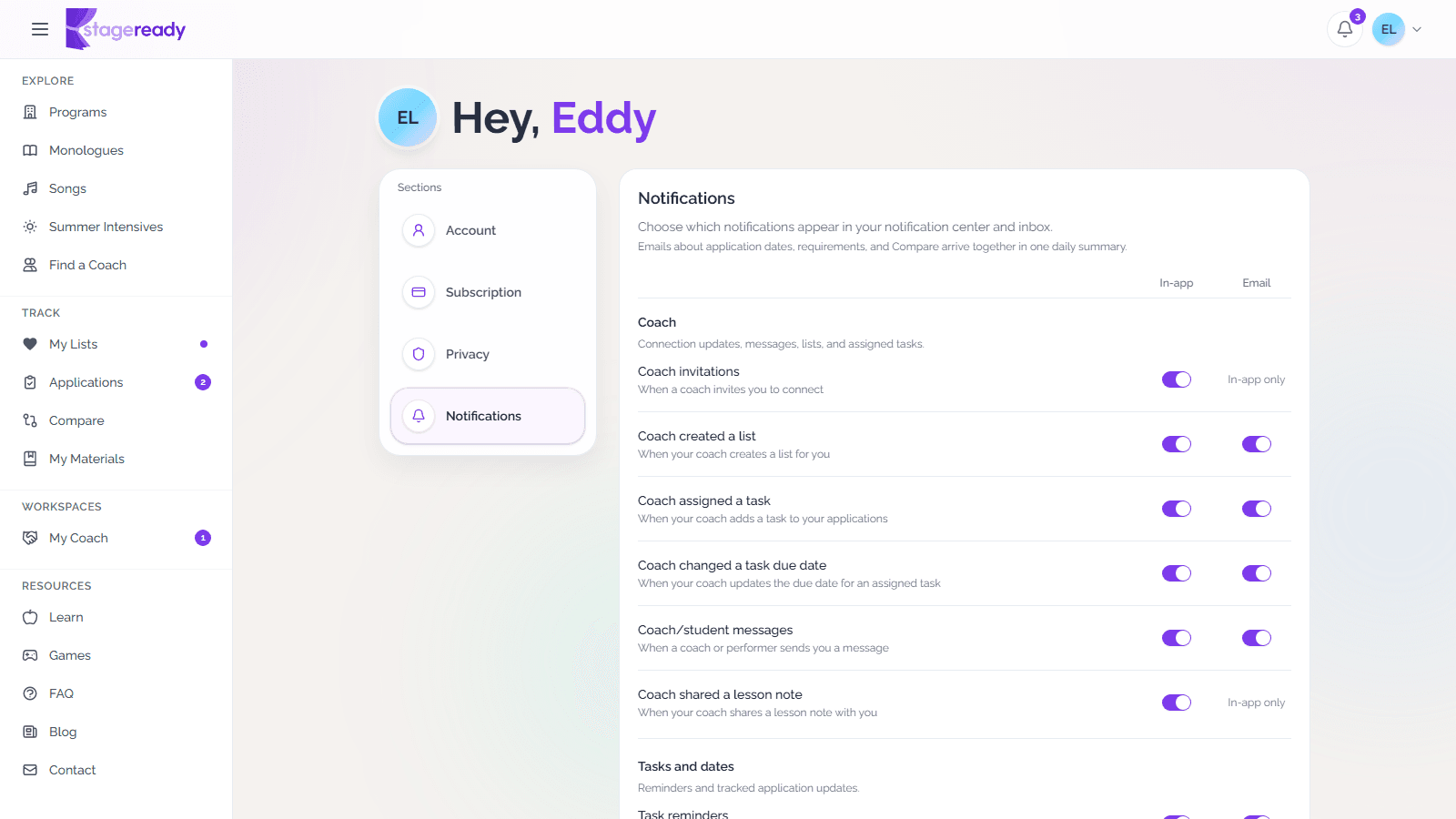
Get notified about what matters
Choose which updates appear in stageready and by email, then review important application dates and requirements from one notification center.
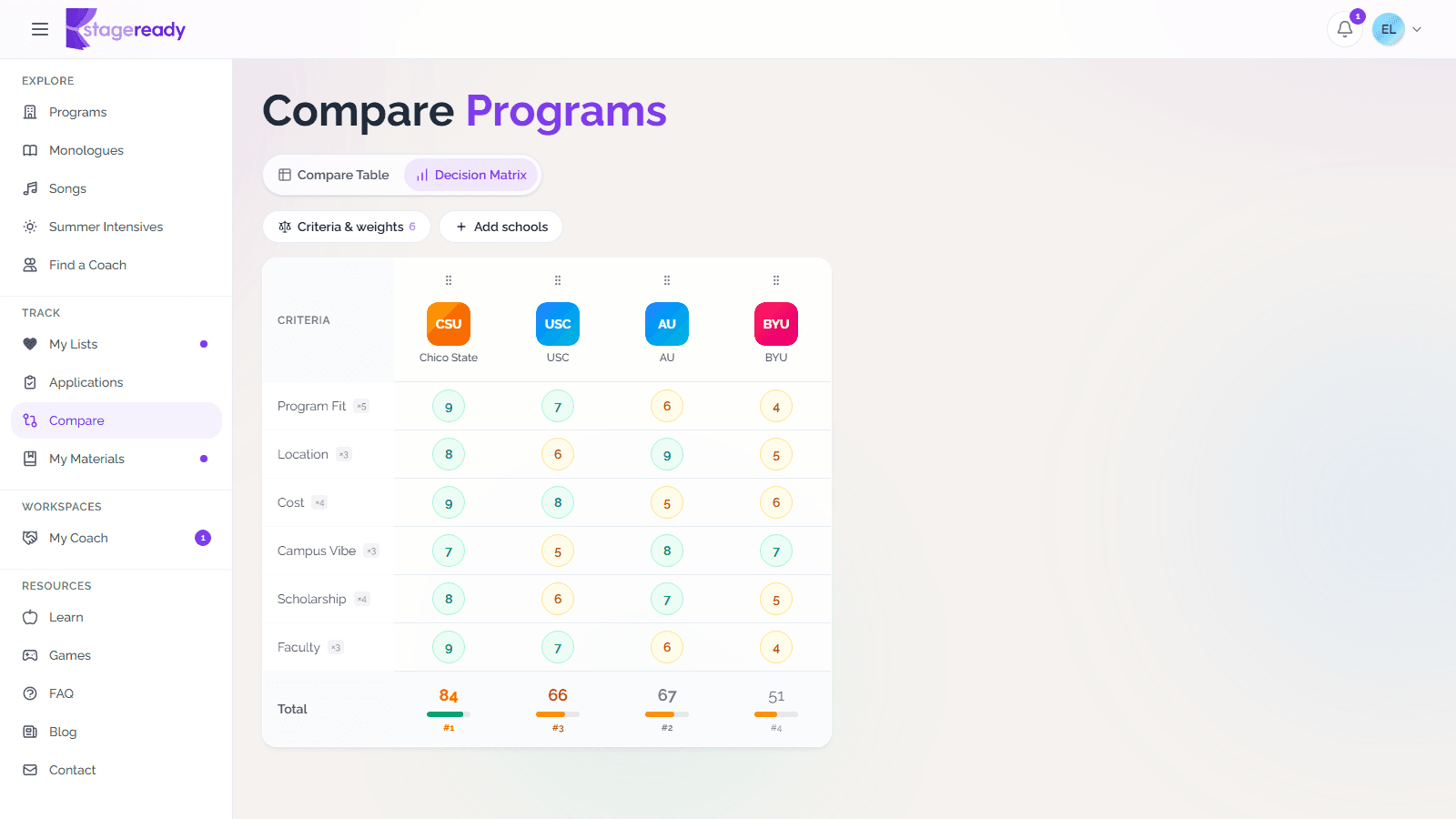
Use the decision matrix
Score schools against the factors that matter most so final-round choices are easier to compare.